
Ever watched a technician finish a repair, then spend the evening retyping notes, expenses, and calendar entries into three different tools? We have, and it never feels right. Standard field service software covers a lot, but every service team has gaps that no default setting fills. That’s where FSM Extensions come in, and where our own work begins.
We focus on digitalizing and automating service processes, so we know where the friction tends to hide. Our extensions connect the planning board with tools people already use, such as Outlook calendars, and they reduce double entry along the way.
How can FSM Extensions Reduce Manual Work for Service Teams?
Manual work rarely announces itself. It hides in small habits, like copying an appointment from one calendar to another, or ringing the office to ask who’s free. Each one costs a few minutes, but together they eat hours and invite errors.
Our Outlook connector shows the idea. One extension sends service assignments from the planning board to Outlook, so colleagues without access to the platform can still see availability. The other sends selected Outlook appointments back as reservations, so planners see training, meetings, and leave. The schedule ends up much closer to the real week, with far less retyping.
Expenses are another common gap. Our Spesen App moves expense claims onto the phone, so technicians can record spending close to the moment it happens instead of reconstructing it at month-end.
Connecting SAP FSM to the systems you already run
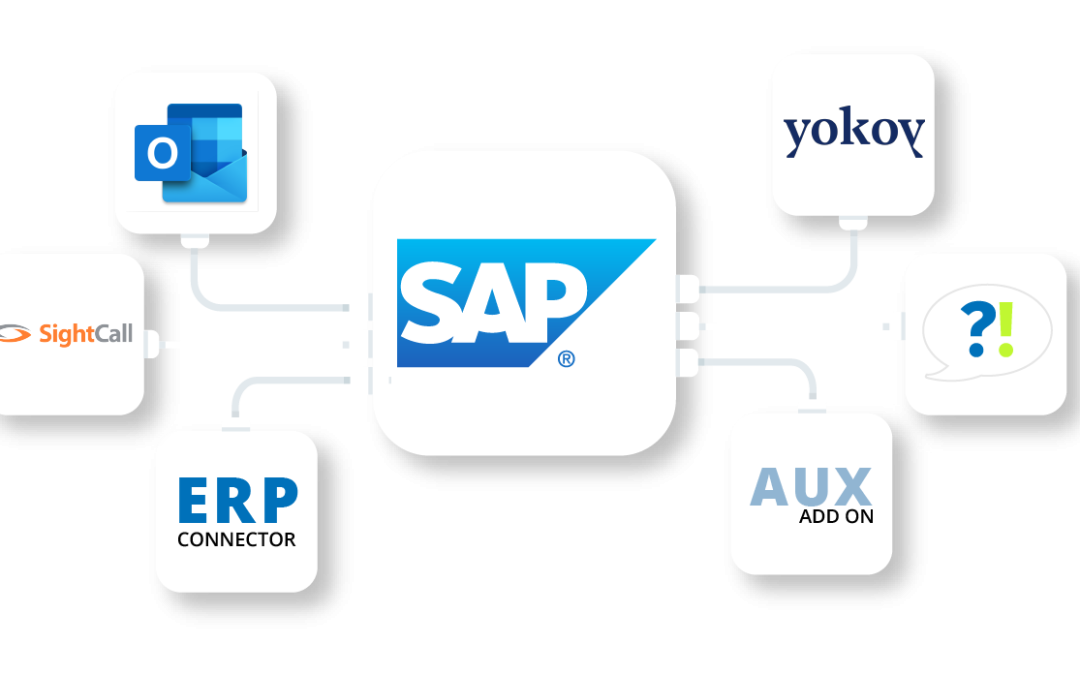
Most service companies already have an ERP system, a calendar tool, and a handful of specialist apps, and nobody wants to rip them out. Our extensions work alongside them, so teams keep what works and connect what doesn’t.
Third-Party Systems: The platform provides interfaces that can support integration with external systems. Whether a particular legacy system can be connected depends on its available interfaces and technical requirements, so we assess each case before recommending an approach
Back-Office Systems: We help connect the service platform with ERP systems so relevant job data can flow into billing processes with less manual entry. The exact integration depends on the systems involved and the company’s requirements.
Outlook: The Outlook extensions are available through the platform’s extension directory. Setup also requires employee email addresses in Outlook to match those in the employee records. If they don’t match, we help resolve the issue.
The goal is one connected setup instead of a pile of separate tools. That matters most for managers who inherited several systems over the years and now want fewer places to check.
Which Repetitive Job Steps Can Extensions Take Off Technicians’ Plates?
Workflows are where extensions can earn their keep. Some steps come up on most visits, like capturing the customer’s signature, working through a machine-specific checklist, and logging the report. Depending on the setup, these can be handled more consistently on the mobile device. Which of them a given extension covers varies, so we go through your typical jobs together and see what fits.
How Do You Get Started With FSM Extensions?
Choosing an extension shouldn’t feel like a leap of faith. We start by understanding what slows your team down, then explore which extensions might fit your workflows. Because we focus on service-process digitalisation, we bring practical experience to the discussion and adapt our recommendations to your requirements. Book a demo or an initial conversation through our contact page to discuss your team’s challenges and explore suitable options.
If you’d like to see what could fit, book a demo or a first conversation through our contact page and send us the tasks that waste the most time. We’ll show you where an extension might help.
Conclusion
Service teams need tools that fit the way they work. Calendars, billing, and daily reporting should support connected workflows rather than create more administrative work. FSM Extensions can help close the gaps in standard service software, giving teams a practical way to reduce manual tasks and improve daily operations.


